

The Gold Standard in
Encrypted USB Storage

Trusted encrypted USB storage engineered to deliver the highest level of USB security for organizations where protecting sensitive data is mission critical.
Trusted by Organizations Protecting Their Most Sensitive Data

Enterprise USB Security
Starts Here
DataLocker combines enterprise-grade encrypted USB storage with SafeConsole®, delivering complete USB security through centralized device management, policy enforcement, compliance reporting, auditing, and lifecycle management.

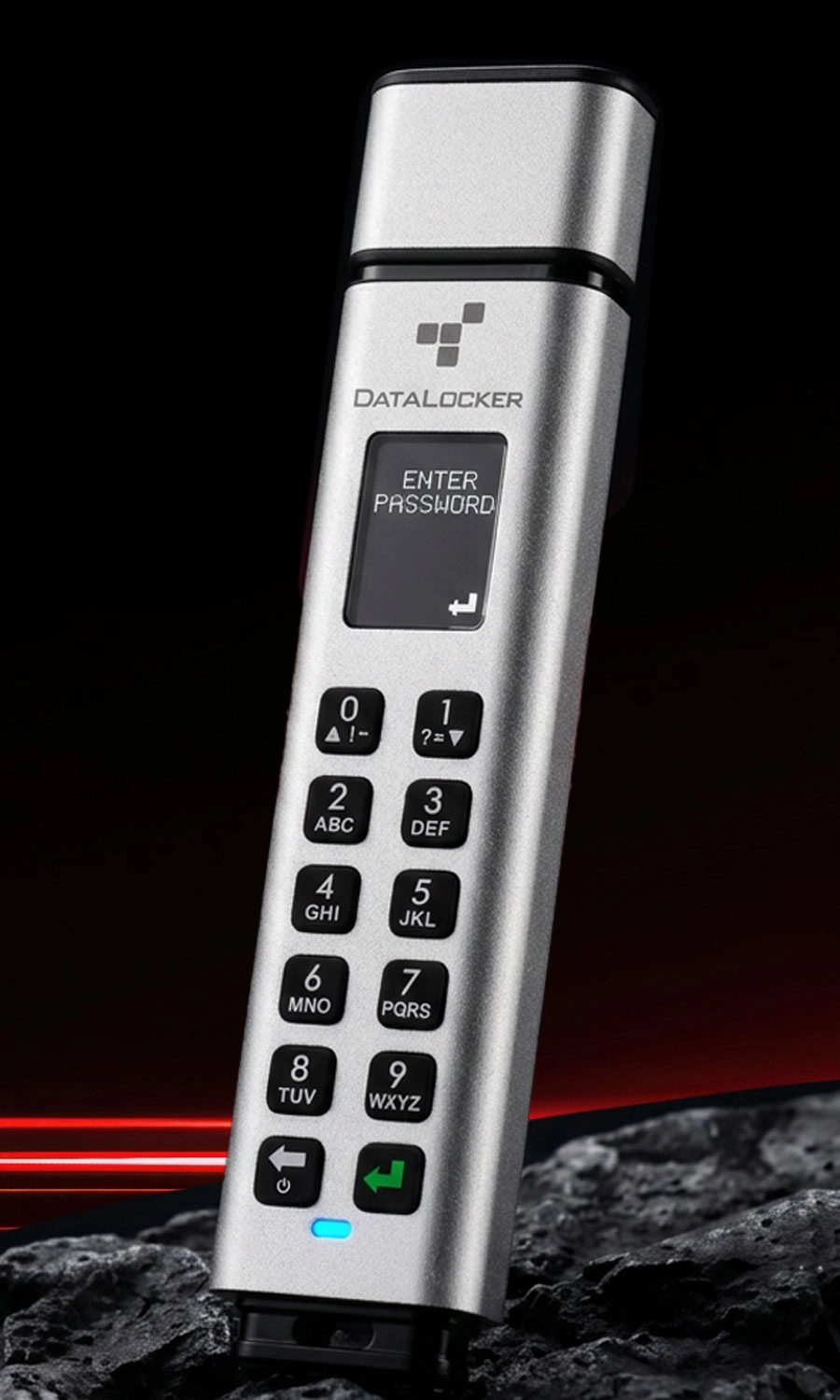
USB Storage Engineered for Trust
Protect sensitive data with FIPS-validated, AES hardware-encrypted USB flash drives and external hard drives backed by a trusted TAA-compliant supply chain.
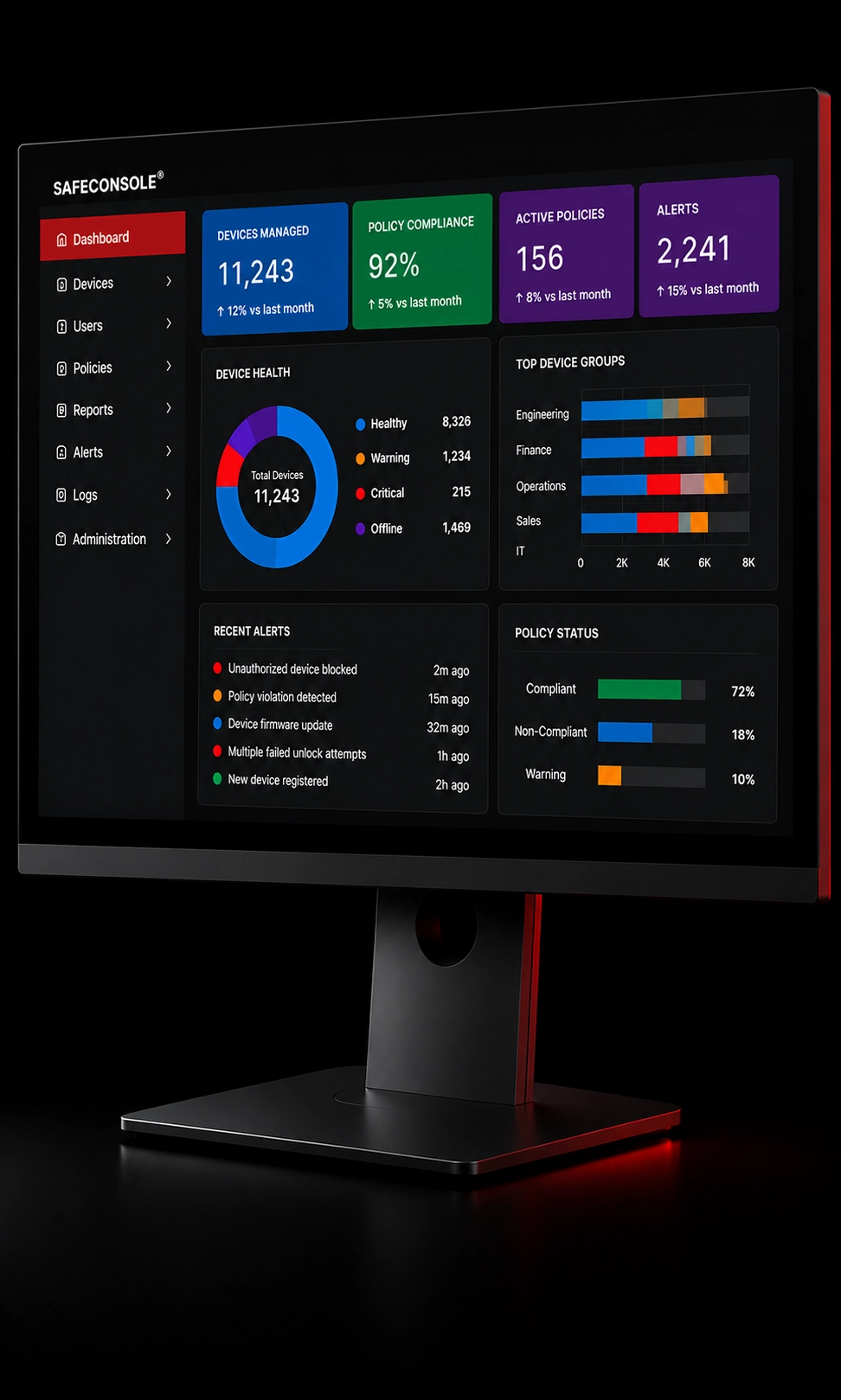
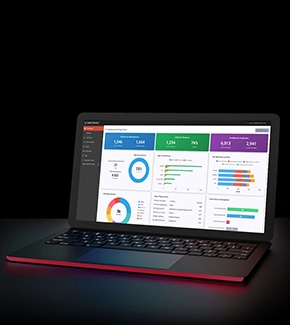
SafeConsole USB Security Management
Centralized management for every encrypted DataLocker device. Deploy devices, enforce security policies, recover passwords, monitor compliance, generate audit reports, and so much more on one platform.
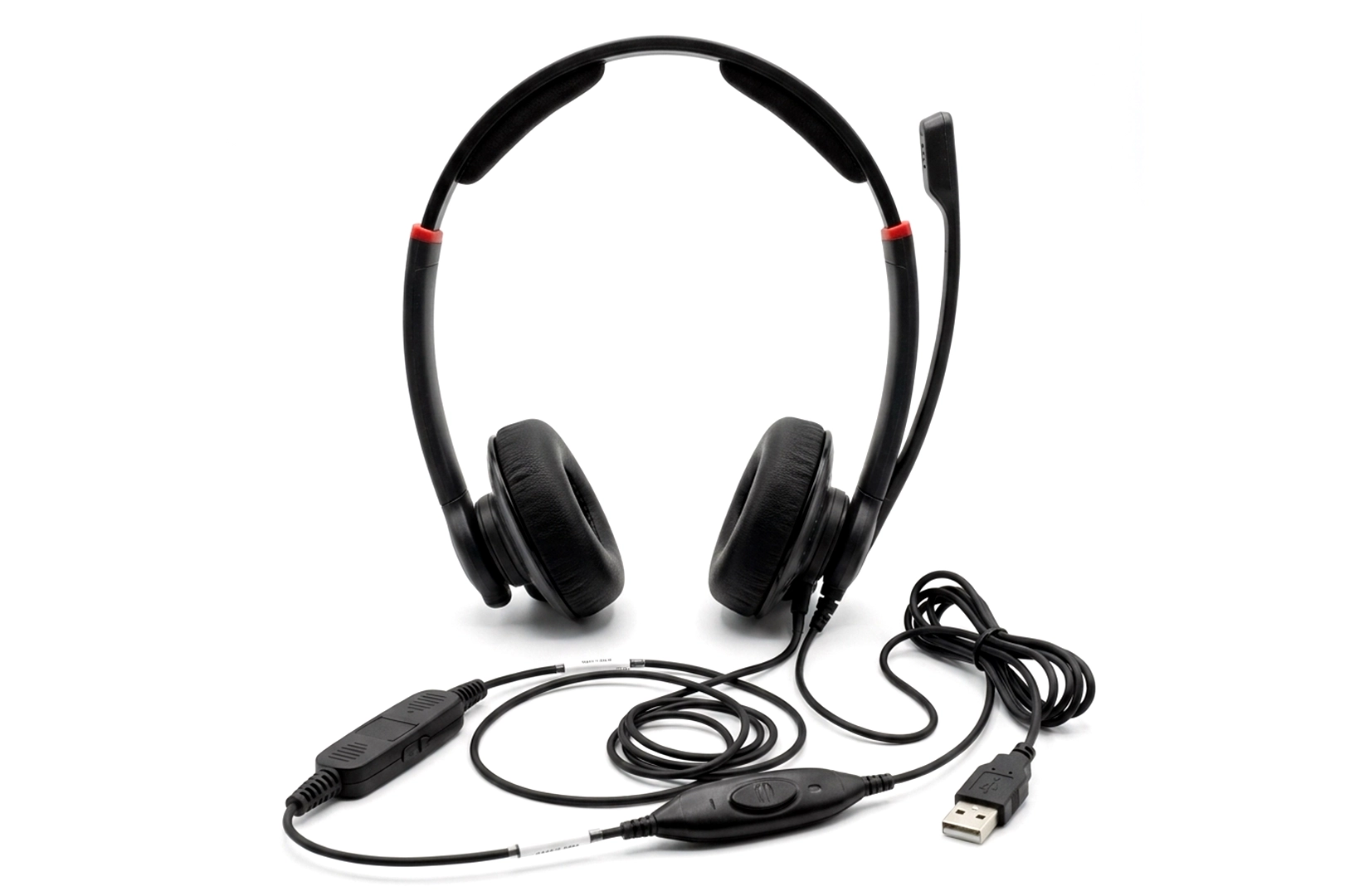
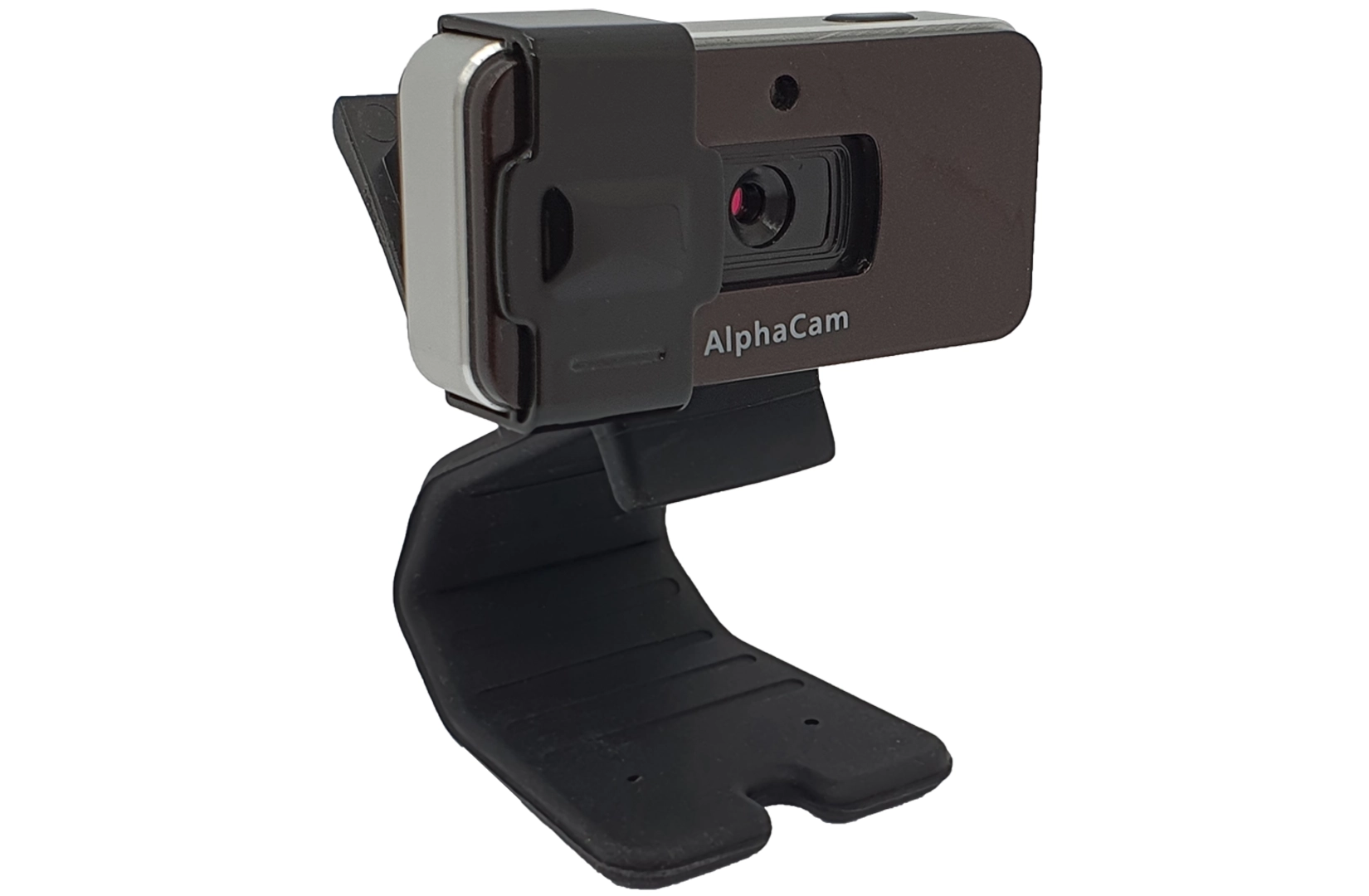
NATO-Trusted USB Peripherals for Secure Environments
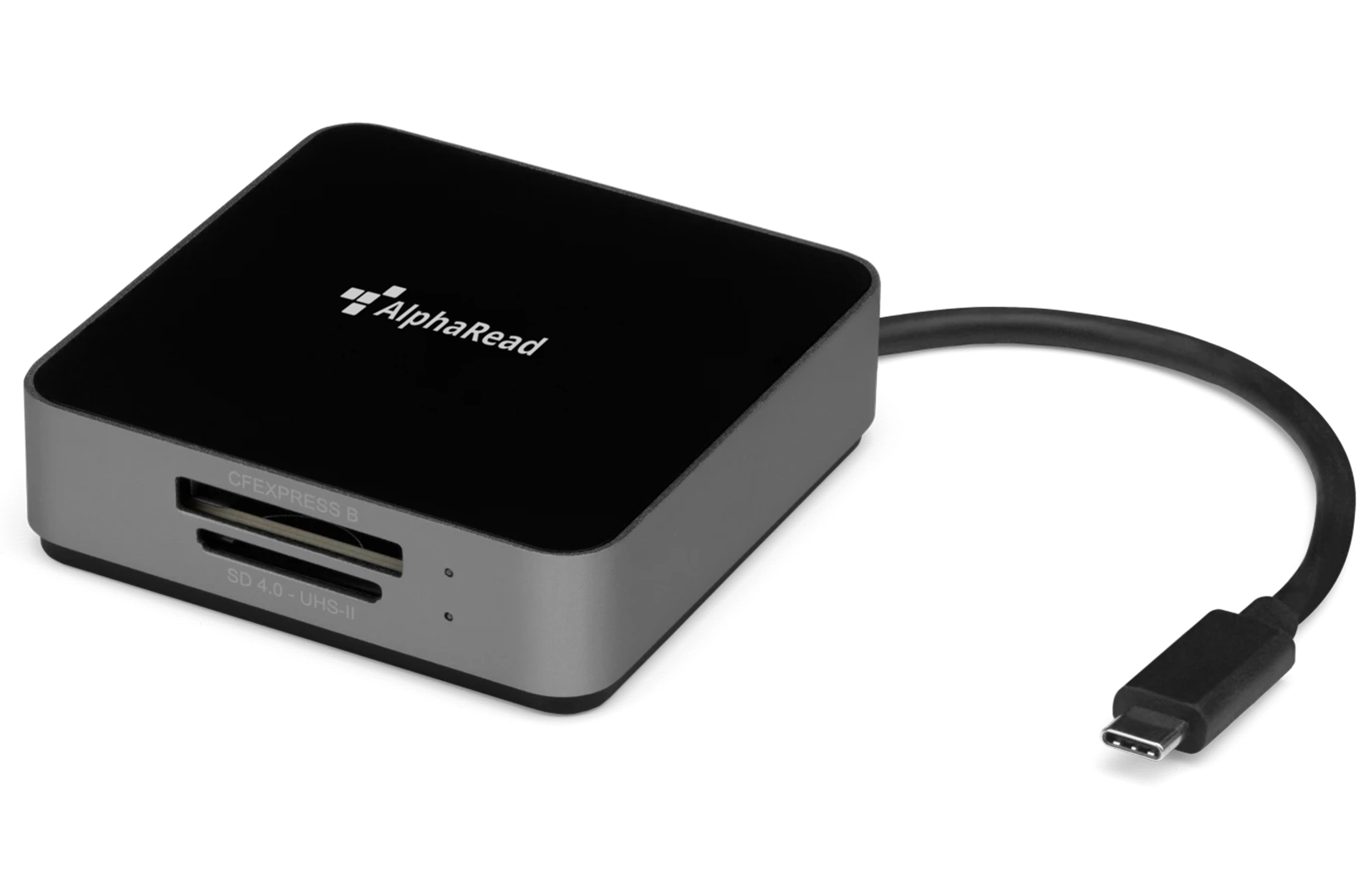
DataLocker’s trusted smart card readers, SD card readers, webcams, and headsets help organizations standardize secure USB peripherals, strengthen supply chain integrity, and reduce the risks associated with commodity USB hardware.
One Platform.
Complete Device Control.
Centralized Policy Enforcement
Deploy and enforce encryption, password, USB, and device policies across every managed endpoint.
Complete Visibility & Control
Track device usage, audit activity, generate compliance reports, and maintain chain-of-custody documentation.
Remote Lifecycle Management
Provision, recover, update, retire, and securely erase devices from one centralized platform.
CERTIFIED. VALIDATED. TRUSTED.
Security You Can Count On.
Industry-leading security certifications that validate our commitment to protecting sensitive data with trusted, enterprise-grade USB security.
Built to meet the stringent security, procurement, and privacy requirements of government agencies and highly regulated organizations worldwide.
Designed and certified to meet international hardware, safety, and environmental standards for global deployment with confidence.

Why Organizations Choose DataLocker
Security First
Purpose-built to deliver enterprise USB security where protecting sensitive data is mission-critical. Learn More.
NATO-Trusted Supply Chain
Designed and manufactured with transparency, integrity, and enterprise security requirements in mind. Learn More.
Compliance Ready
Meet stringent USB security and regulatory requirements including FIPS, TAA, NIST, GDPR, HIPAA, CJIS, and CMMC. Learn More.
Enterprise Scale
Centralize USB security, policy enforcement, compliance, and lifecycle management with SafeConsole. Learn More.
Trusted Supply Chain. Trusted Security.
Security begins long before a device is deployed.
DataLocker products are built using trusted components, vetted manufacturing partners, and a transparent, TAA-compliant supply chain—because enterprise USB security depends on the integrity of every component.
DataLocker Testimonials


 DataLocker is slick, easy to use, and reliable.
And you can quote me!
DataLocker is slick, easy to use, and reliable.
And you can quote me!  Simply put, no unauthorized person will be able to breach the DL4 FE’s encryption and other safeguards.
  The Sentry K350 OLED screen helps Datalocker move away from the use of indicator LEDs, which admittedly have a steep learning curve.
  If the security in the DataLocker DL4 FE Encrypted SSD sounds like something you would see on Mission Impossible, you’re probably right.
  The DataLocker Sentry K350 encrypted USB flash drive is an exceptional device that combines top-notch security features with a user-friendly experience.
The DataLocker DL4 FE succeeds wildly in its mission to store your secret or sensitive data in ways that ensure that no adversary could gain access to it.
The Sentry K350 alphanumeric keypad, coupled with the screen, makes it easy to generate a complex word or phrase as your password...
DataLocker’s DL4 FE Encrypted External Hard Drive is one of the most reliable and easy-to-use encrypted external hard drives on the market today.
It's no wonder that the US government and military, and many high-profile corporations, rely on DataLocker products, which meet the exacting security criteria these organizations demand.
Whether you’re a business professional who needs to keep sensitive data safe while traveling or just someone who wants to keep their data secure, the DL4 FE drive is an invaluable tool.
The DataLocker Sentry K350 encrypted USB flash drive is an exceptional device that combines top-notch security features with a user-friendly experience.
The DataLocker DL4 FE succeeds wildly in its mission to store your secret or sensitive data in ways that ensure that no adversary could gain access to it.
The Sentry K350 alphanumeric keypad, coupled with the screen, makes it easy to generate a complex word or phrase as your password...
DataLocker’s DL4 FE Encrypted External Hard Drive is one of the most reliable and easy-to-use encrypted external hard drives on the market today.
It's no wonder that the US government and military, and many high-profile corporations, rely on DataLocker products, which meet the exacting security criteria these organizations demand.
Whether you’re a business professional who needs to keep sensitive data safe while traveling or just someone who wants to keep their data secure, the DL4 FE drive is an invaluable tool.  The SafeConsole Cloud (SCC) hosted service is the easiest and quickest way to get your organization managing and securing your encrypted endpoints.
  DataLocker is a proven leader in secure backup devices trusted by over 70% of the Fortune 100 that provide cost-effective and easy-to-use implementation against "WannaCry" scenarios.